Mobile app · Beta
NeutronXin your pocket
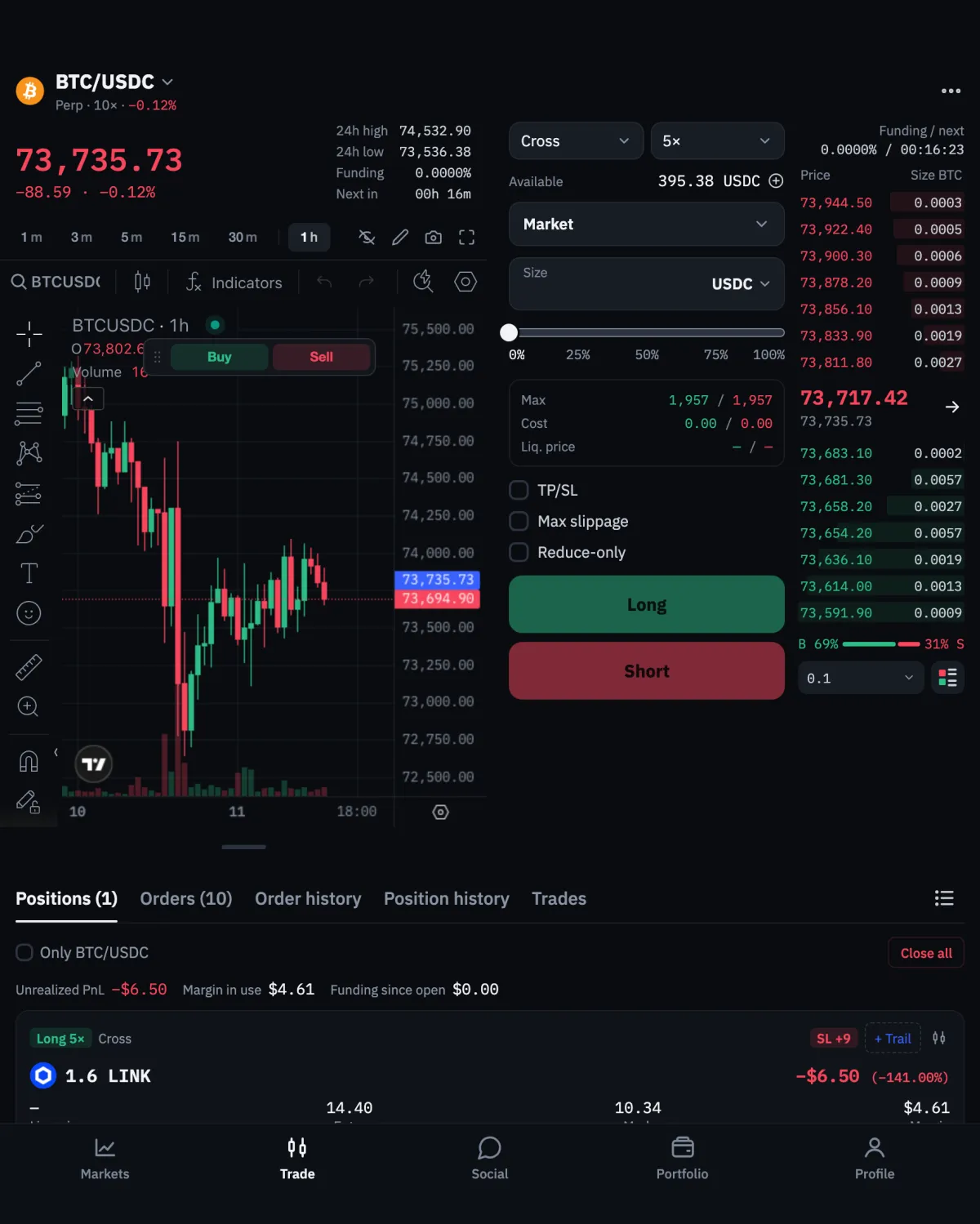
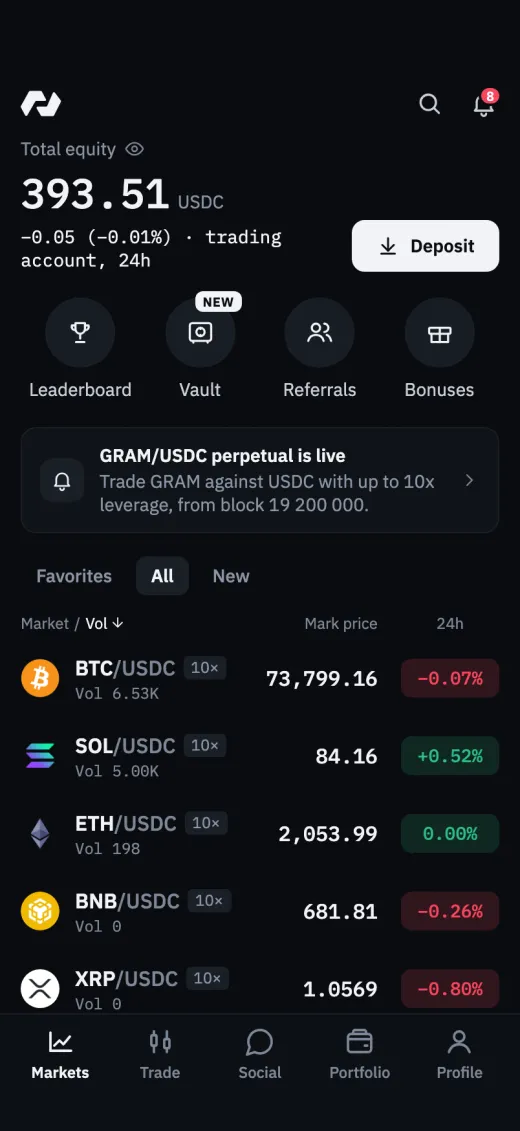
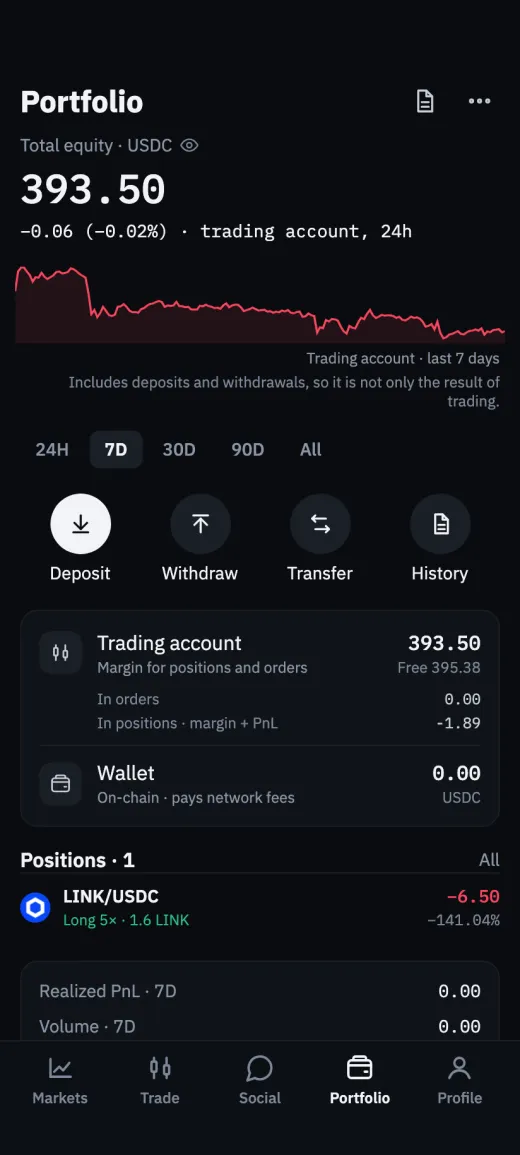
Trade perpetual futures, follow the chart and manage positions from your phone. Your key stays on the device, locked by Face ID or a passcode.
- Coming soonTestFlight
- Coming soonAPK for Android
Scan with your phone
Point the camera at the code to open this page on your phone.
Install
A couple of minutes to the first trade
iPhone
Install TestFlight from the App Store.
Open the invitation on your iPhone and tap Accept.
Tap Install. New versions arrive in TestFlight.
While the app is in beta, Apple delivers it through TestFlight, its own app for beta releases.
Coming soonTestFlightAndroid
Download the APK on your phone.
When Android asks, allow installs from your browser.
Open the file and tap Install. Updates arrive in the app.
Download the APK only from neutronx.com: it is signed by NeutronX, and Android won't install an update signed by anyone else over it.
Coming soonAPK for Android
Inside the app
The exchange, made for a phone
Every order type
Market, limit, entry, TWAP and chase orders, TP / SL and trailing stops, under the same rules as the web exchange.
TradingView chart
The exchange's chart with your orders and positions on it: drag a line to move an order or a stop.
Your key stays on your phone
Encrypted on the device and unlocked by Face ID or a passcode. It never reaches NeutronX, and nobody but you can move your funds.
Sign in your way
Connect MetaMask or another wallet through WalletConnect, or create or import a 24-word phrase.
Deposits from many networks
USDC from Ethereum, Arbitrum, Base, Polygon, Avalanche or Solana through Circle CCTP, withdrawals to EVM networks.
Alerts
Fills, triggered TP / SL, funding and liquidation risk as notifications while the app is running.
FAQ
Questions about the app
The app is in beta. TestFlight is Apple's own app for beta releases: it installs and updates the app like any other. The App Store release comes later.